



Find Your Privacy Filter
Select your PC or monitor model to find the perfect privacy filter
To offer you the best match, our results apply a tolerance margin: the recommended filter may be up to 2 mm smaller or 1 mm larger than your screen, in width and height.
💻 On Windows:
- Option 1 - Check the back of your PC:
Turn your PC over and look at the rear. The model name is usually printed on a sticker (e.g., VivoBook Flip 14, Aspire 5, ThinkPad E15) - Option 2 - Quick search in Settings:
Open Settings and type "model" or "system information" in the search box — your PC model name will appear in the results - Option 3 - Use System Information:
Open Settings > System > Scroll down and look for the System Model field
🍎 On Mac:
- Option 1 — Check the underside of your Mac:
Turn your Mac over — the model name is engraved on the bottom (e.g., "MacBook Pro", "MacBook Air") - Option 2 — Use System Information:
Click the Apple menu, hold the Option key on your keyboard, then click "System Information" — look for "Model Name"
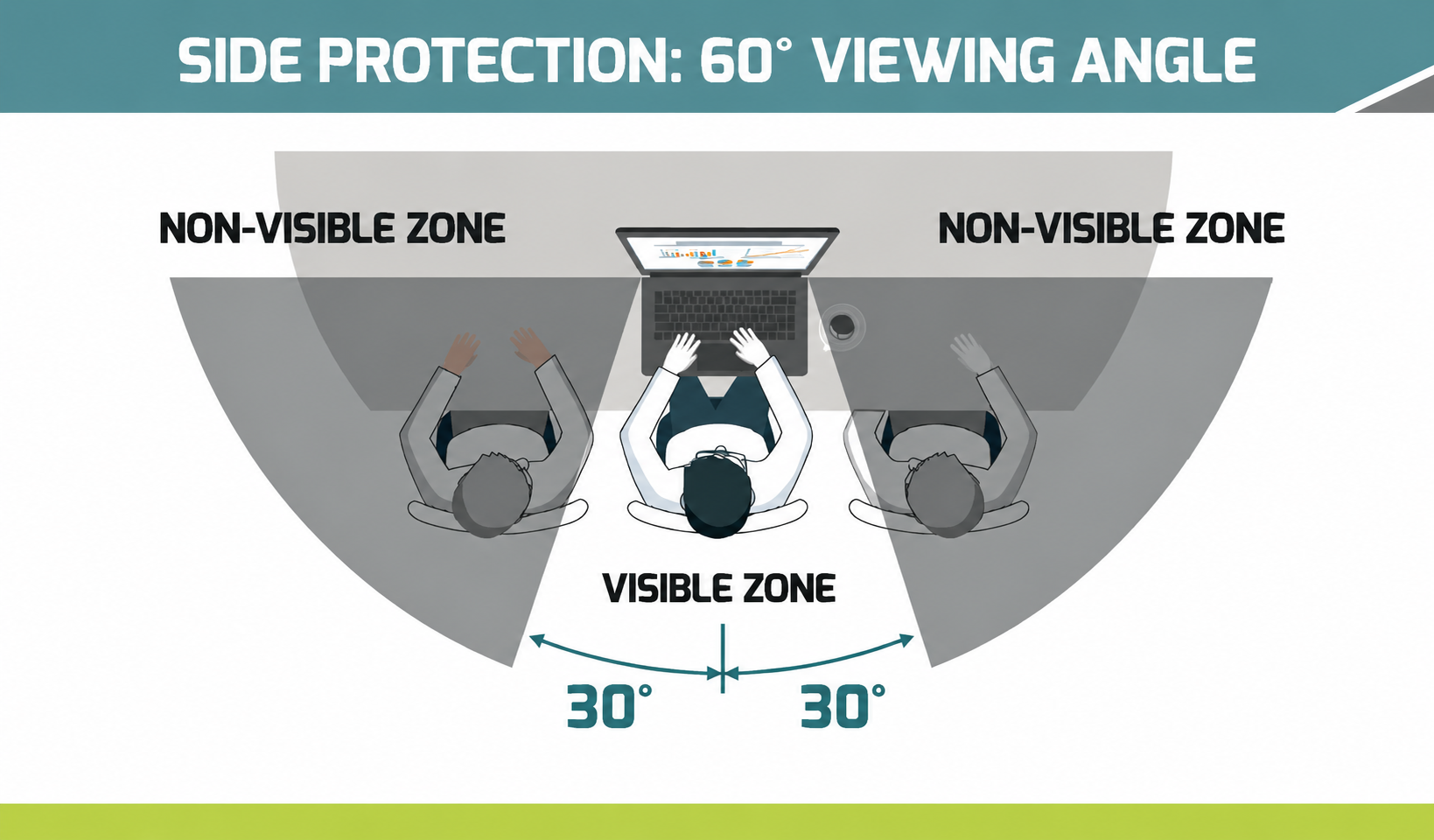

Immediate protection for sensitive data
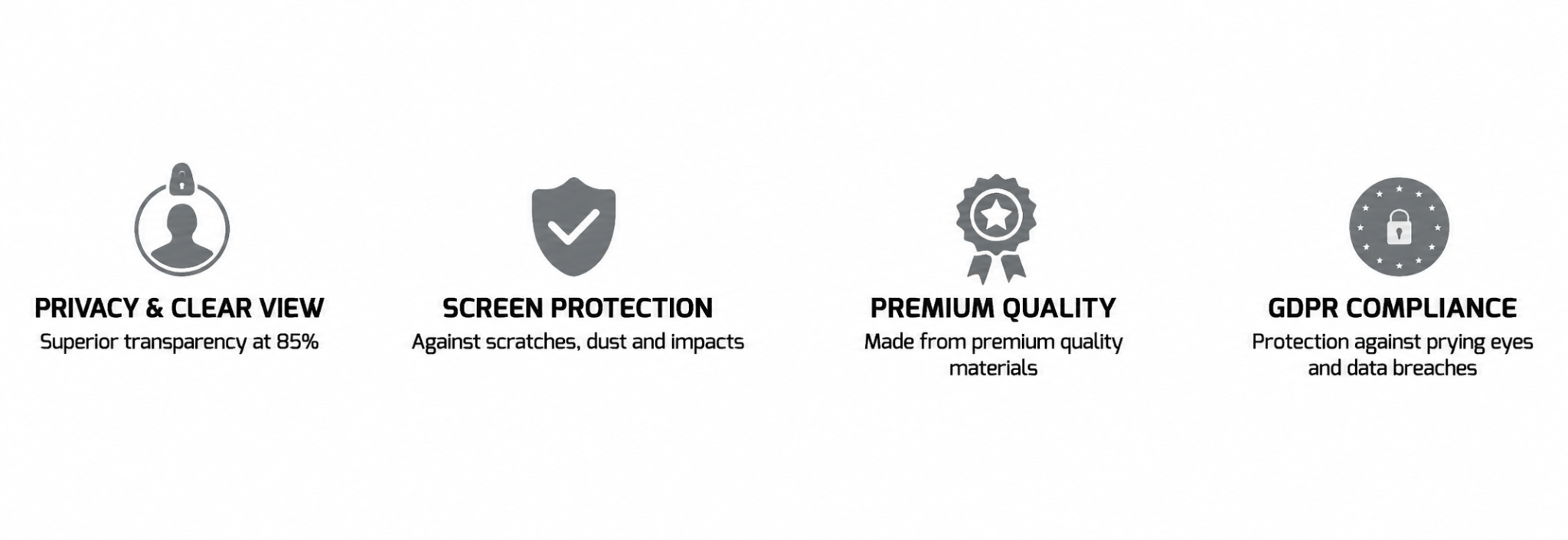
Reduced viewing angle to prevent anyone from reading your screen from the side. Thanks to the micro-slat technology built into the privacy filter, your screen’s viewing angle is significantly reduced, preventing anyone nearby from reading it from the side. Whether you’re in an open-plan office, travelling or in a public place, your information remains confidential. Ideal for professionals handling sensitive data. This simple and effective solution allows you to secure your professional and personal content without changing your daily routine.

Everyday visual comfort
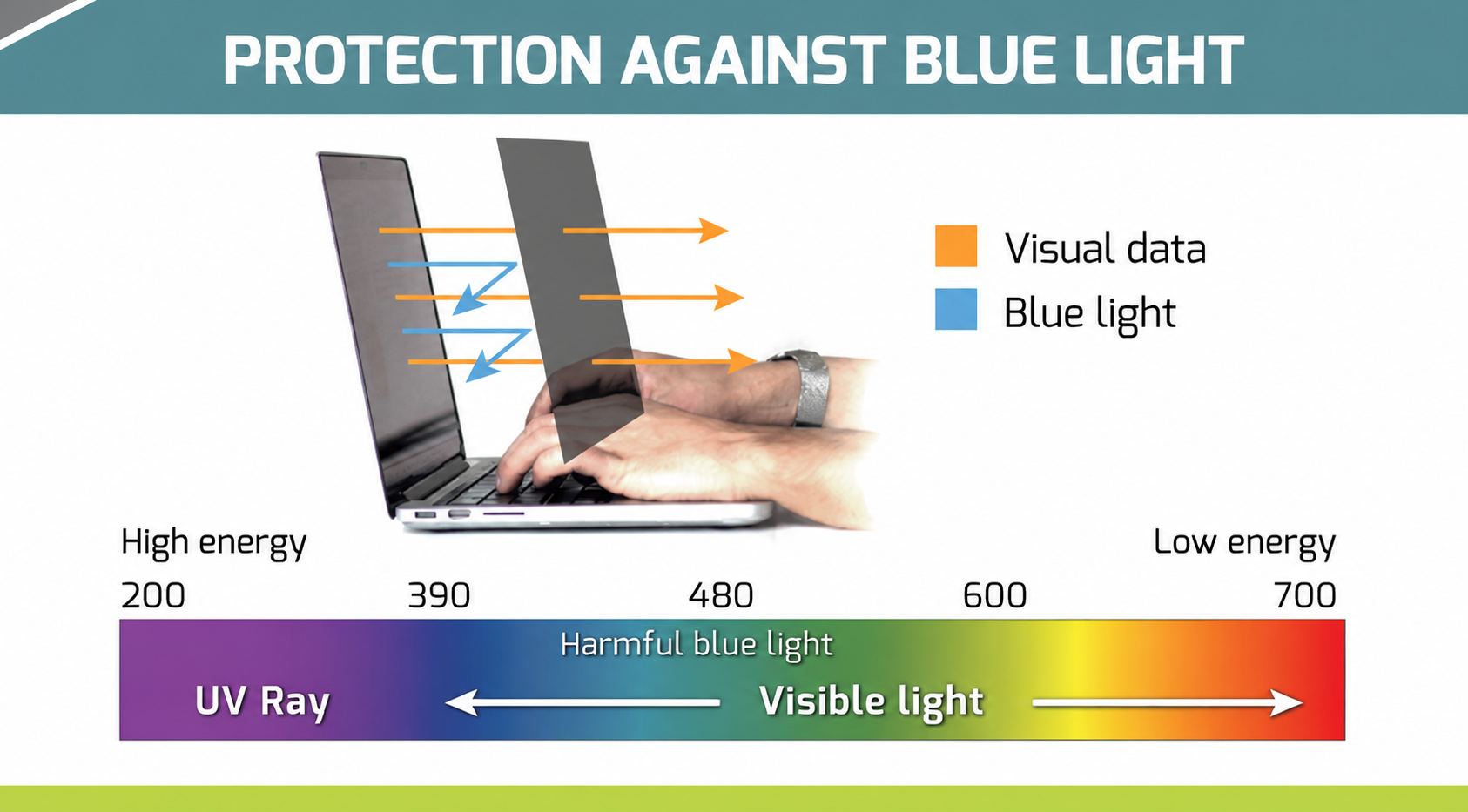
As well as protecting your data, the privacy filter helps improve your visual comfort throughout the day. It reduces glare from ambient light and filters out some of the blue light, which is often responsible for eye strain. You therefore benefit from a more pleasant reading experience, better contrast and optimised comfort, even during prolonged use of your screen. An ideal solution for combining performance, well-being and productivity.
A wide range to meet all your needs!
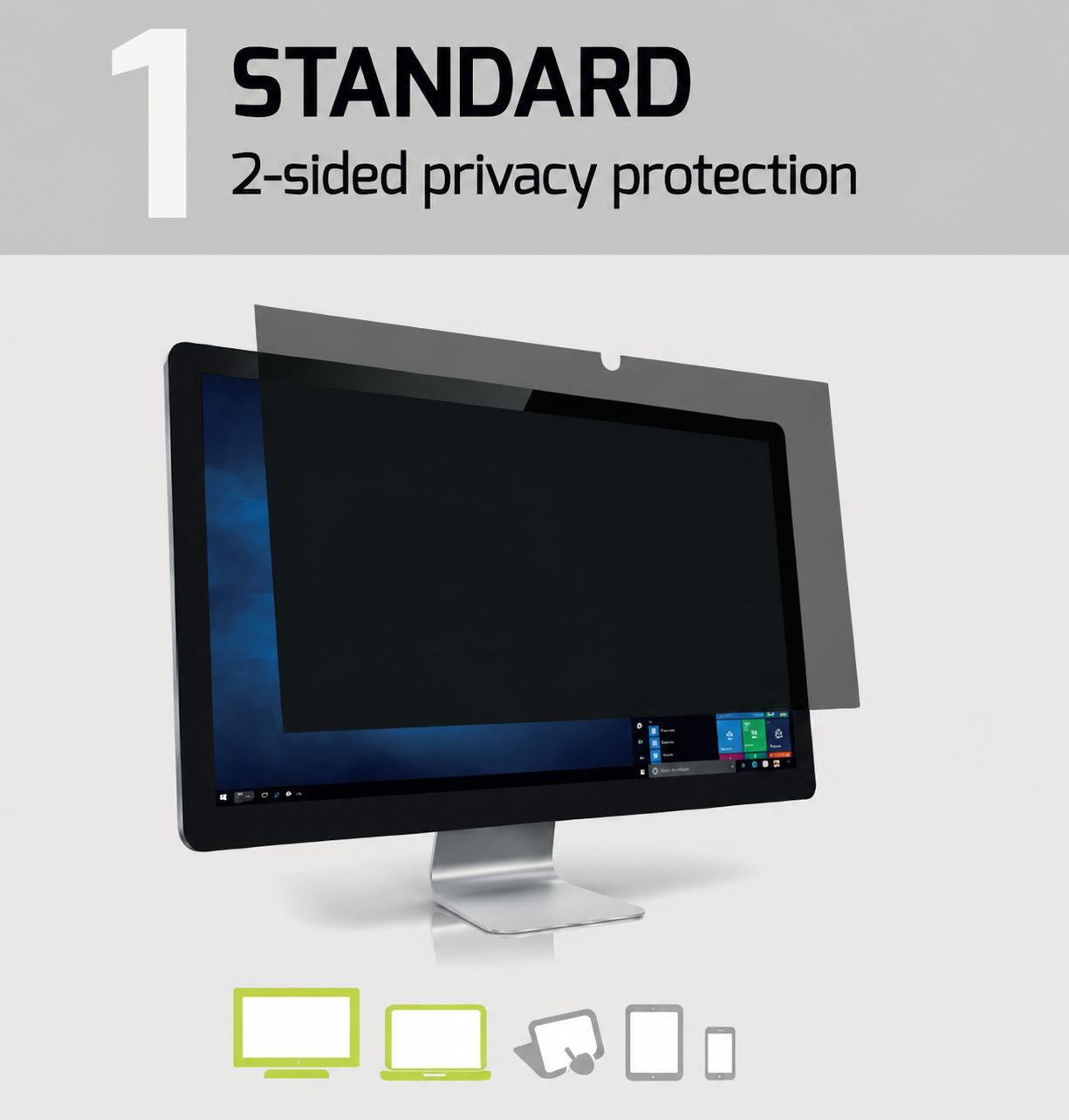
Explanations & Compatibility
Once in place, only the user sitting directly in front of the screen can see the information, and any side view exceeding 30° is completely obscured by an opaque filter. Very easy to install – simply stick it to your screen using the adhesive strips.
- Desktop monitor: YES
- Laptop: YES
- Tablet: NO
- Smartphone: NO
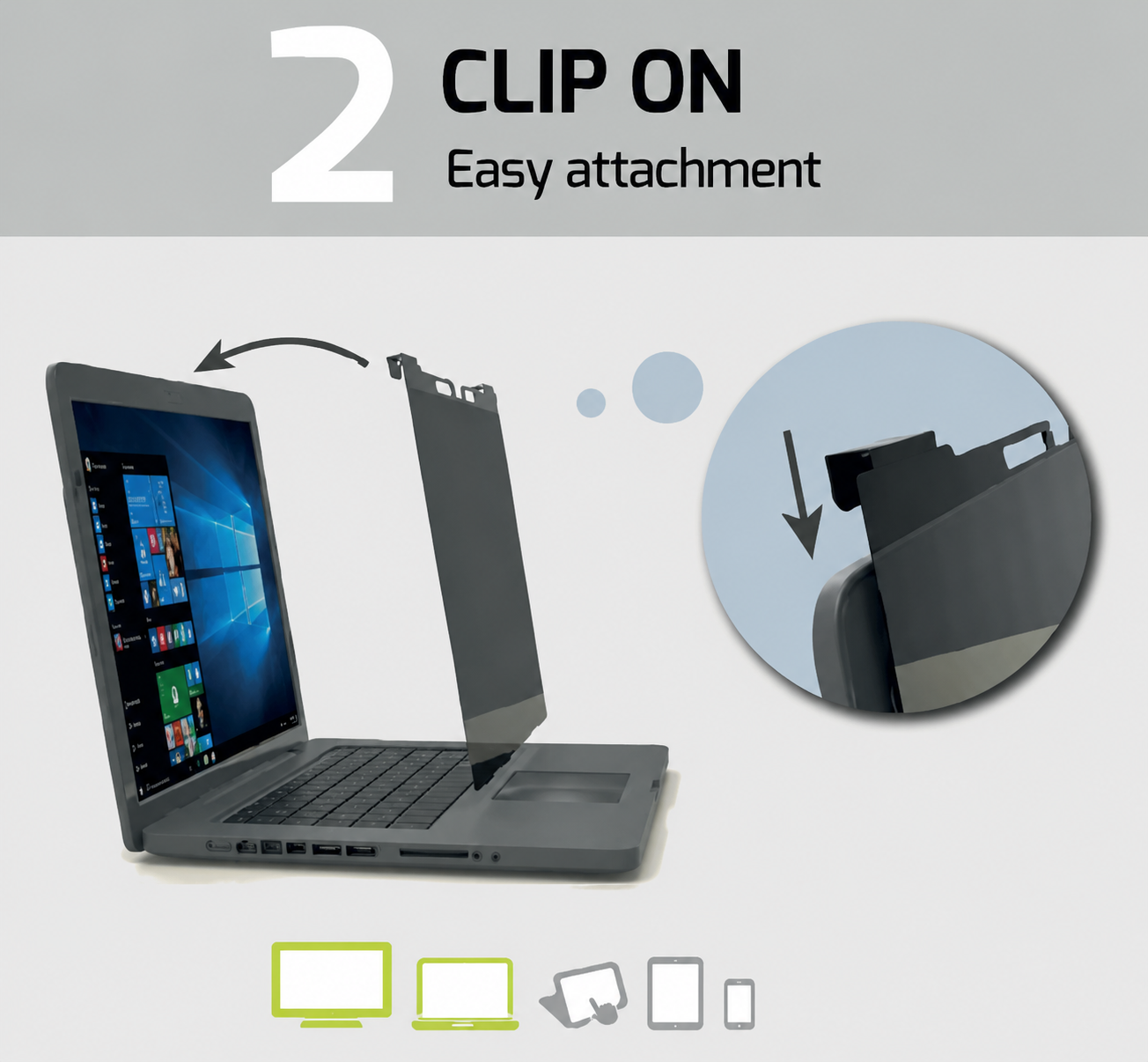
Explanations & Compatibility
Easy to install and remove thanks to its hook-and-loop fastening system.
- Desktop monitor: YES
- Laptop: YES
- Tablet: NO
- Smartphone: NO
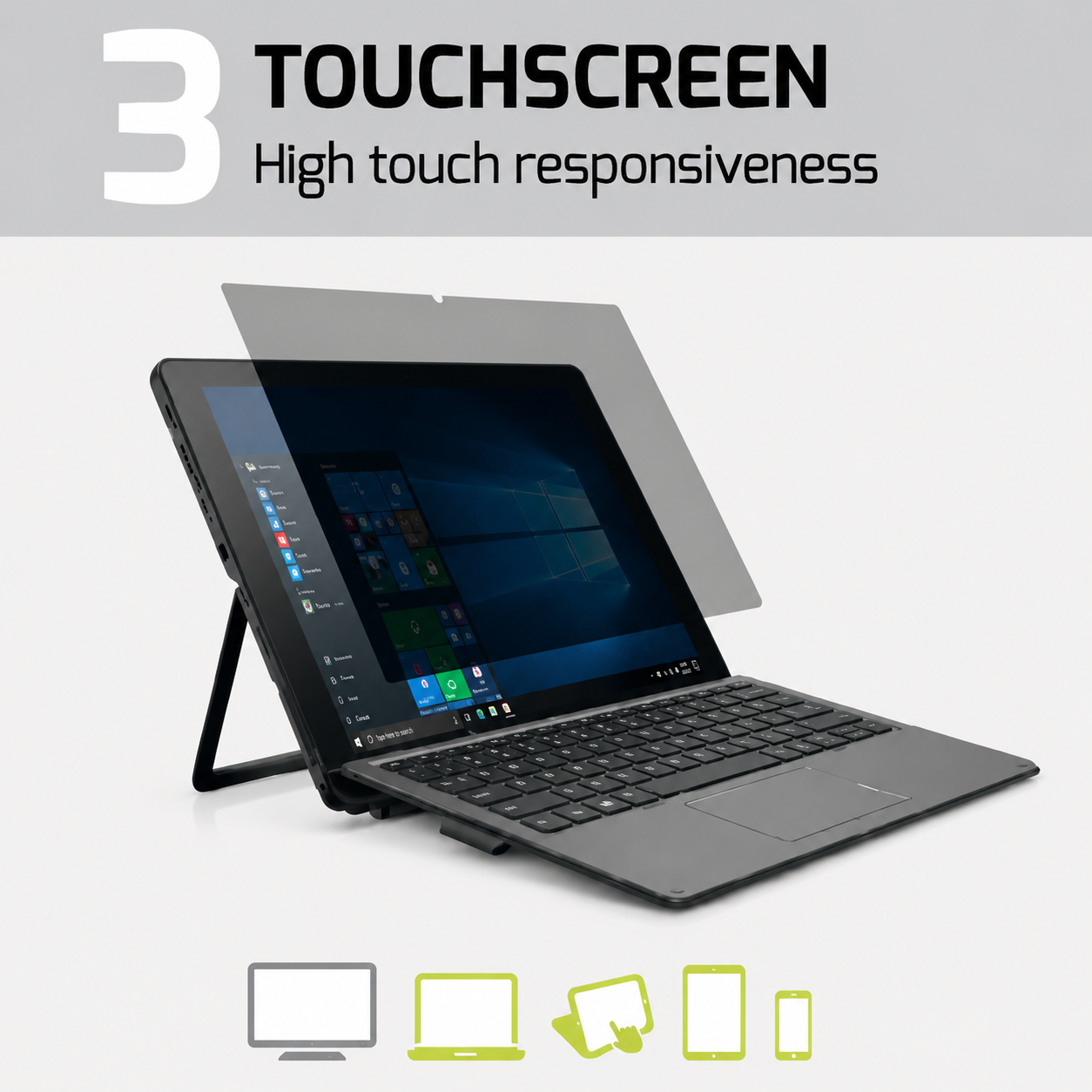
Explanations & Compatibility
Designed for touchscreens, it has the same properties as a standard Edge-to-Edge filter, with the difference that it incorporates technology that allows you to interact with your device’s screen.
- Desktop monitor: NO
- Laptop: YES
- Tablet: YES
- Smartphone: YES
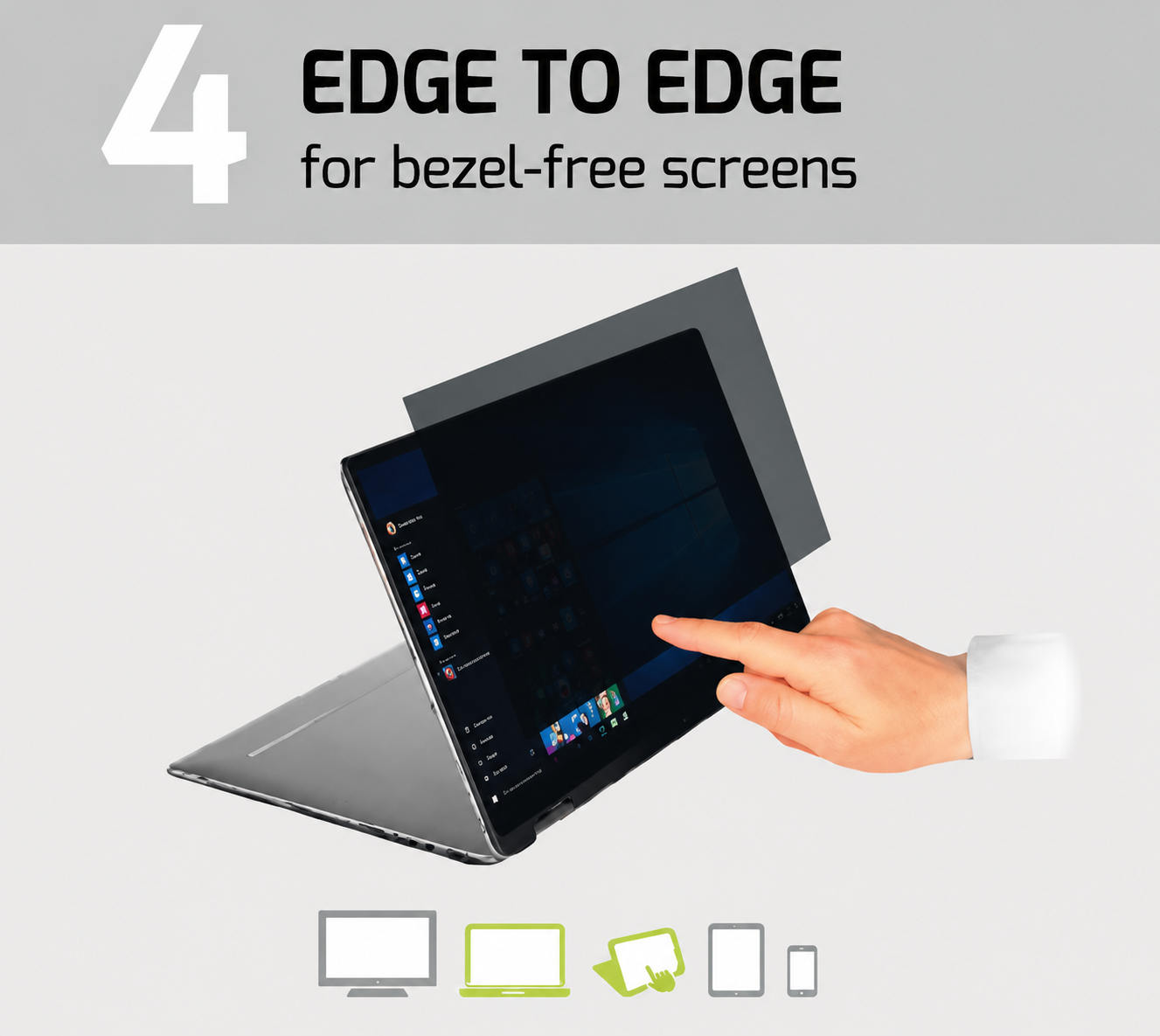
Explanations & Compatibility
Thanks to its direct edge-to-edge positioning, it is ideal for borderless computer screens. Being electrostatic, it can be attached and removed as often as you like.
- Desktop monitor: NO
- Laptop: YES
- Tablet: NO
- Smartphone: NO
 › Discover the full range of Port Connect privacy filters